Claude Code on your server. Installed in one click.
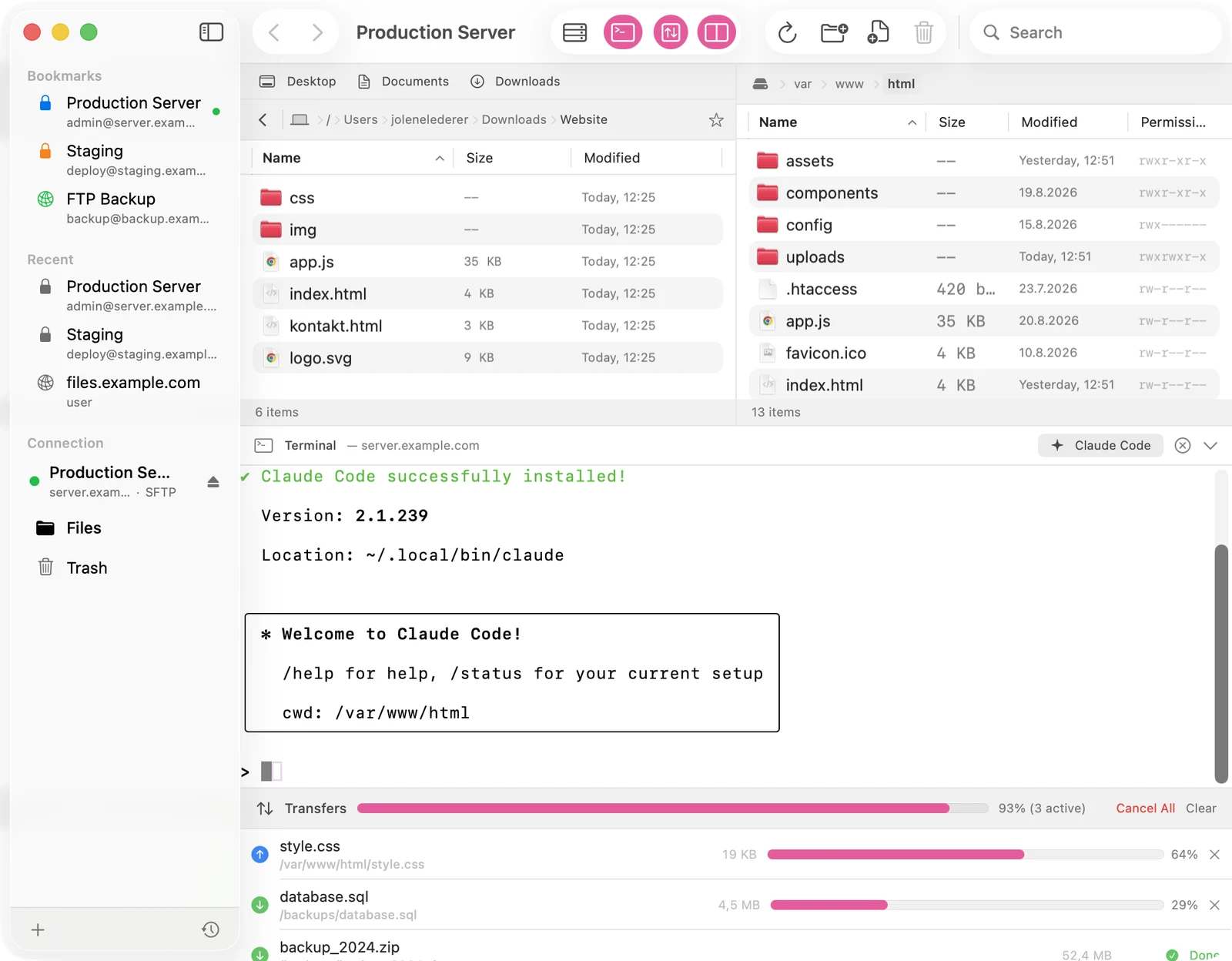
Your website lives on a webspace, not on your Mac. Docklane brings Anthropic's AI command line exactly there: connect over SFTP, open the terminal, click the button. From then on Claude edits files right on the server while you watch.
How it works
-
Connect over SFTP
Paste the server address, even as sftp://user@server. Docklane parses the URL, connects and stores the password in the macOS keychain after a successful login.
-
Open the terminal
One click on the terminal icon opens a real shell on the server (xterm-256color, with colors, vim and everything). Docklane automatically changes into the folder you are browsing.
-
Click the Claude Code button
The button in the terminal header installs Claude Code only if it is missing, persists PATH and starts the AI. The sign-in link from the terminal opens in your browser via the Open Link button, no fiddling with wrapped URLs.
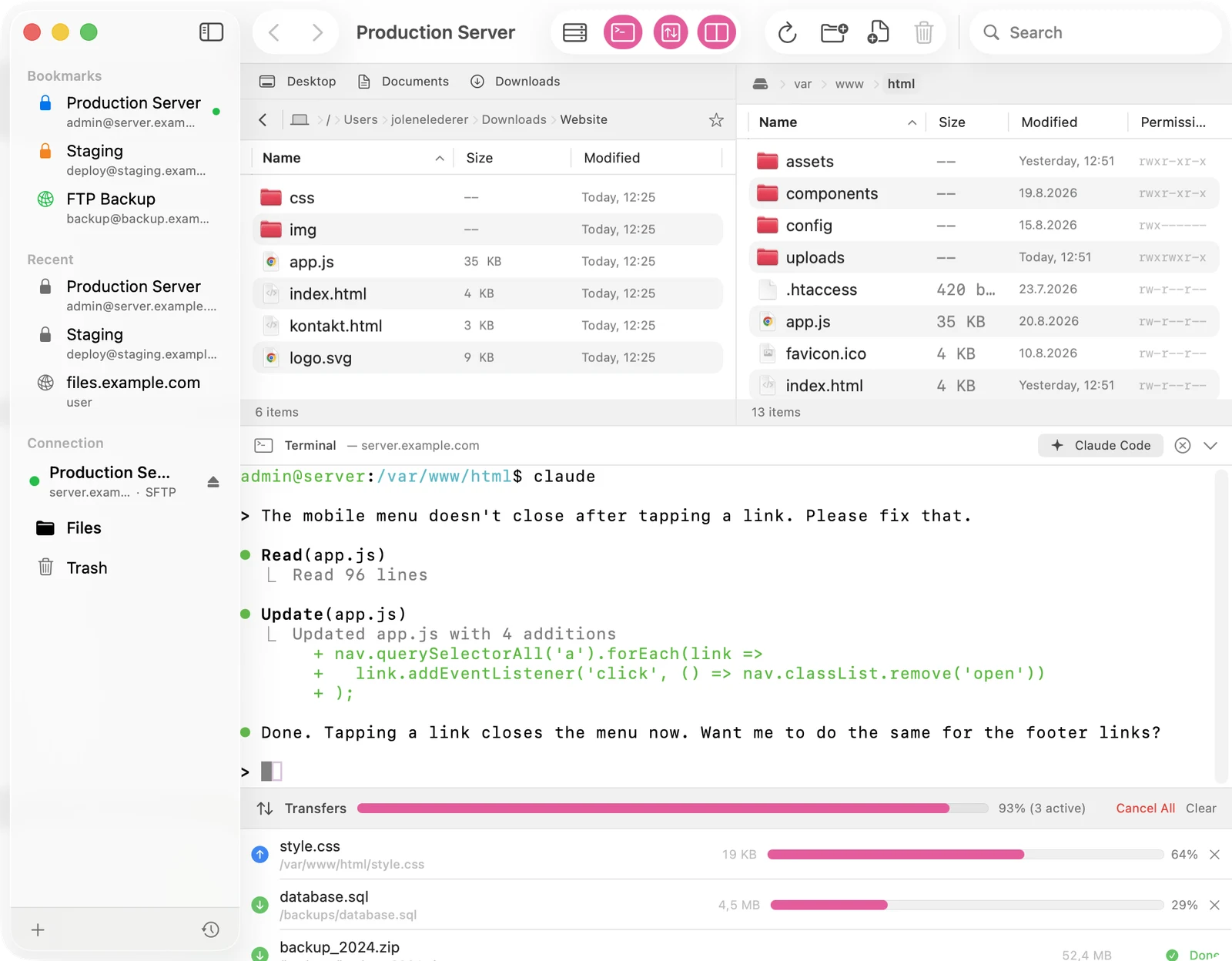
After that you describe tasks in plain language: fix a menu bug, add a contact form, clean up old pages. Claude reads the files on the server, changes them and explains what it did. No downloading, no uploading, no local dev setup.
Requirements
You need exactly two things:
- A hosting account with SSH access. Many providers let you enable SSH in the hosting control panel.
- An Anthropic Claude account for signing in to Claude Code.
Transparency and security
Everything the button does is typed visibly into the terminal: the install line, the PATH setup, the start. No hidden script, no silent execution. The connection runs over SSH, host keys are checked with trust-on-first-use and changes trigger a clear warning. Claude works only with the permissions of your server account.
Frequently asked questions
What hosting do I need?
Any with SSH access. Shared hosting is fine, you do not need your own server. Check your provider's control panel; Docklane clearly reports SFTP-only accounts.
What does it cost?
Docklane is a one-time $4.99 purchase. Claude Code belongs to your Anthropic Claude account, billed there.
Can Claude break something?
Claude works with your account's permissions and asks before critical actions. On top, Docklane keeps automatic file versions for its own uploads and deletions go to the server-side trash. For important projects the old rule still applies: backups are your friend.
Does it work over FTP too?
The terminal needs SSH. If you are connected via FTP or FTPS, Docklane asks once for separate SSH credentials for the same host and remembers them in the keychain.